
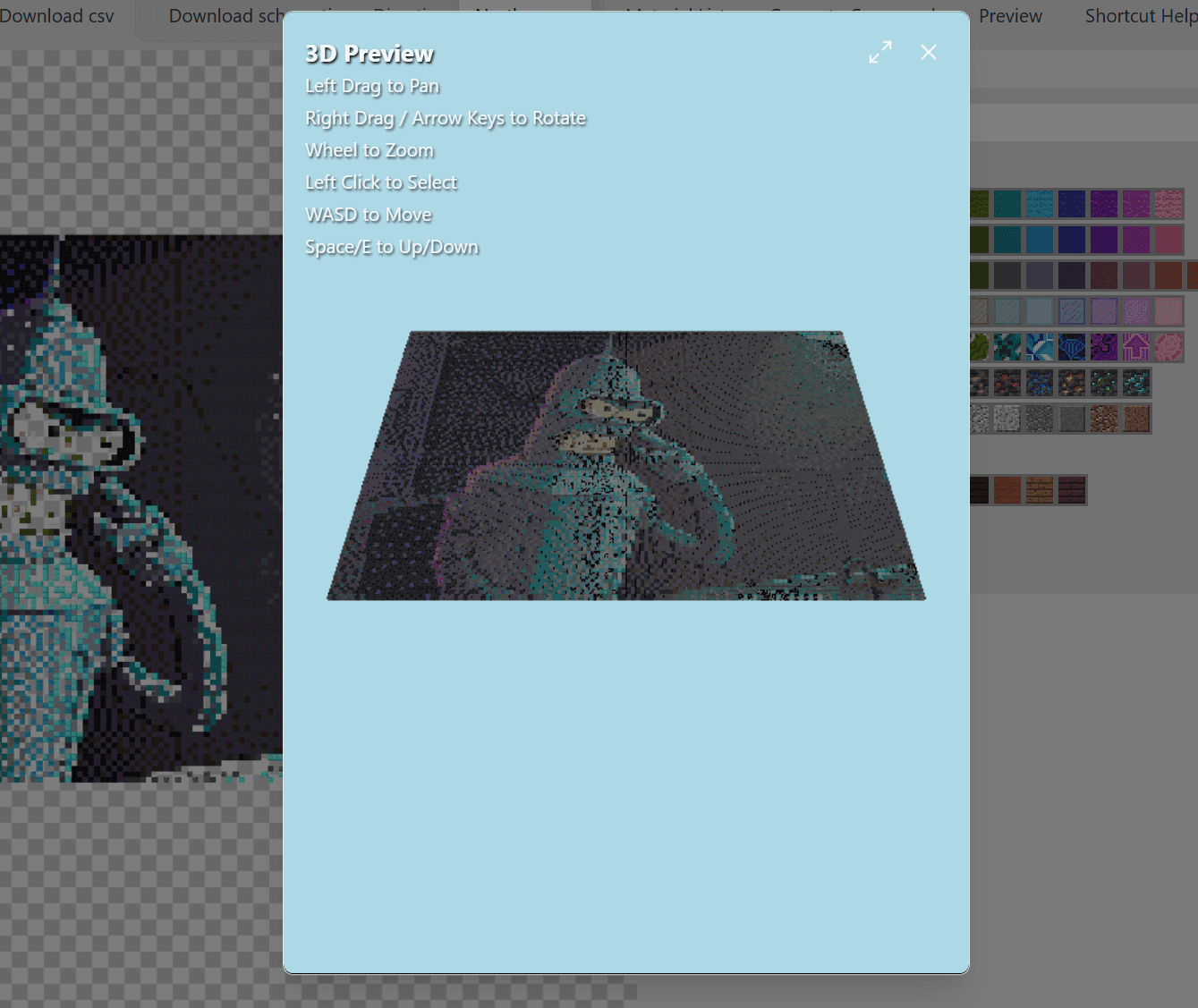
Minecraft Map Art vs Pixel Art: What is the Difference?
Explaining the key differences between map art and pixel art in Minecraft. Size, viewing method, construction approach, and which one fits your project.
People use "map art" and "pixel art" interchangeably all the time. They shouldn't. These are two different things that look similar but play completely differently.
Let me break this down.
What's Pixel Art
Pixel art is 3D building. You take blocks, stack them vertically on terrain, and create an image that players walk up to and stare at. Like a billboard or a wall mural.
You place wool, concrete, terracotta, whatever. The build exists in normal Minecraft space. Players see it from ground level or fly around it. Size is limited only by how much time you have.
Pixel art has depth. You can add layers. You can use stairs and slabs for shading. Someone could technically walk behind your creation.
What's Map Art
Map art is specifically designed to be viewed through a Map item in-game.
The map captures a 128×128 block area (at 1:1 scale) and flattens it into a 2D image. That image shows on the map item itself, which you can hold, frame, or combine into larger displays.
Here's the catch: the map only reads the TOP block at each coordinate. So you build flat, usually at ground level, with one block per pixel. The stack doesn't matter—only the very top surface.
Map art is always 128×128 for a single map. You can tile multiple maps together for bigger images, but each individual map has that fixed resolution.
The Practical Differences
| Feature | Pixel Art | Map Art |
|---|---|---|
| Viewing | Walk up to it / fly | Hold map item / frame |
| Resolution | Any size | 128×128 per map |
| Construction | Vertical stacking | Flat surface |
| Depth/3D | Yes, layered | No, top block only |
| Block visibility | All faces | Top face only |
| Color range | Full block colors | Map color palette |
Map Art Color Limitations
Maps use their own color system. Not every block color translates accurately. Minecraft maps group certain blocks into the same map color, so you have fewer distinct shades to work with.
Also: the height of a block relative to its neighbors affects the shade on the map. This is called "staircasing." Build a block higher than its neighbor, it appears lighter. Build it lower, darker. Serious map artists use this technique to triple their effective color palette.
Which One is Harder?
Pixel art is physically larger but simpler in concept. Build vertical, match colors, done.
Map art has more constraints. 128×128 grid maximum, top-block-only visibility, map color palette limitations, staircasing for extra shades. It's more like solving a puzzle.
When to Use Each
Pixel Art for:
- Server decorations that players walk past
- Large murals on building sides
- Anything where seeing it from the world matters
Map Art for:
- Portable images (hold in hand)
- Frame displays inside bases
- Custom painting replacements
- Multiplexed wall displays (tile many maps together)
Making Both with a Generator
Most converters (including ours) support both modes:
- Standard mode outputs regular blocks for pixel art
- Map art mode accounts for map colors and optionally generates staircased heights
For map art, you usually export a schematic and paste it flat on the ground, then craft maps on top of it. For pixel art, you paste it vertical as a wall.
Same source image, different output settings, very different results.
Quick Summary
Pixel art = vertical wall, viewed directly. Map art = flat surface, viewed through map item.
Both are cool. Pick based on where you want people to see your creation.
Try our generator for both modes.
Author

Categories
More Posts
How to Build Giant Minecraft Statues (The Easy Way)
Want to build a massive statue in your survival world? Learn how to use layer-by-layer schematics to build huge structures without modding.
Best Image Types for Minecraft Pixel Art Conversion
Which images convert well to Minecraft blocks and which do not. Photo selection tips, resolution advice, and examples.
Minecraft Pixel Art Generator: Get From Photo to Blocks in 5 Minutes
A practical walkthrough for converting any image into Minecraft blocks. Covers the process, export options, and common mistakes to avoid.