
Best Image Types for Minecraft Pixel Art Conversion
Which images convert well to Minecraft blocks and which do not. Photo selection tips, resolution advice, and examples.
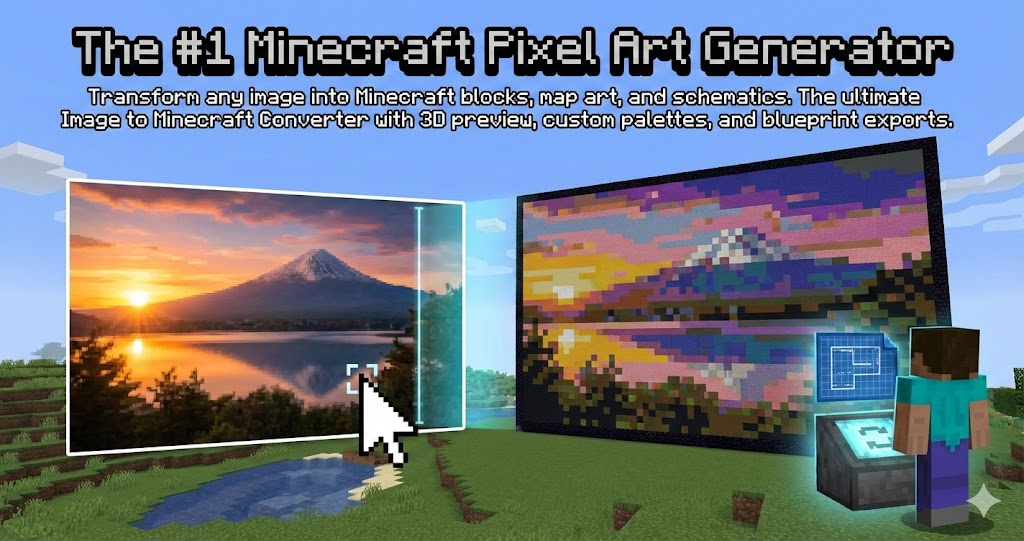
Not all images convert well. I learned this after wasting an afternoon trying to turn a sunset photo into something recognizable. The result looked like someone spilled orange juice on a brown carpet.
Here's what I've figured out about which images actually work.
Images That Work Well
Cartoon Characters
Anything with thick outlines and flat colors. Anime characters, game mascots, comic book heroes. The simpler and bolder the design, the better the result.
Why: Minecraft blocks are basically giant pixels. Images that already have clear color boundaries translate naturally. No guessing where one color ends and another begins.
Logos and Icons
Corporate logos, app icons, sports team emblems. Designed to be readable at small sizes, these already have high contrast and minimal detail.
Most logos can be done at 32-64 blocks wide and still look recognizable.
Pixel Art From Other Games
Sprites from retro games, indie game characters, anything that was already designed as pixel art. These are literally built for this.
The converter essentially just maps the original pixels to Minecraft blocks. Almost guaranteed to look good.
Simple Portraits
One person, plain background, good lighting. Faces work if you give them enough resolution (128+ blocks) and crop tight around the head.
Black and white photos sometimes work better than color because the contrast is already there.
Images That Don't Work
Landscapes and Nature Photos
Sunsets, forests, beaches. Millions of subtle color gradients that Minecraft simply cannot represent. You get muddy blobs.
The human eye loves gentle color transitions. Minecraft blocks hate them.
Group Photos
Too many faces, too small. At typical build sizes, each face gets maybe 15 pixels. Not enough for recognizable features. Everyone becomes a flesh-colored smear.
Low Resolution or Blurry Images
Garbage in, garbage out. If your source image is 200 pixels wide, scaling it up to 128 blocks doesn't add detail. It just makes the blur bigger.
Start with the highest resolution source you can find.
Photos With Busy Backgrounds
Your subject gets lost. Half the blocks go to that bookshelf behind you. The other half go to random furniture. The actual face? Maybe 20%.
Always crop before converting.
Edge Cases
Real Human Faces
Can work, but tricky. Needs:
- 128+ blocks width
- Dithering enabled
- Tight crop around face and shoulders
- Good lighting in the original photo
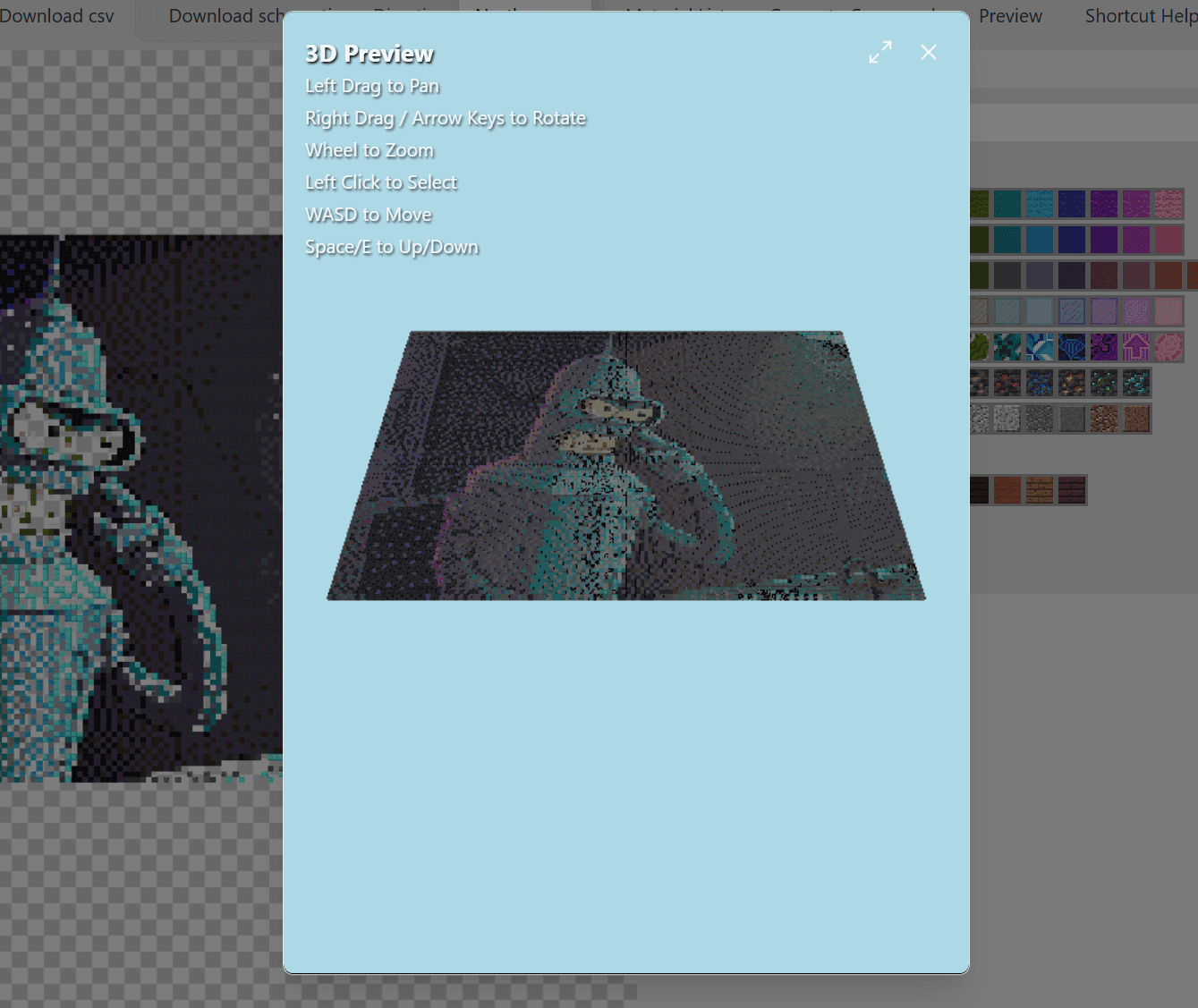
Even then, results can look uncanny. Minecraft blocks aren't great at skin tones.
Pets
Fur is hard. Lots of similar colors blending together. Works better with high-contrast animals (black and white cats, orange tabbies) than with solid-colored ones.
Text and Typography
Depends entirely on font size. Large block letters work fine. Script fonts at small sizes become illegible.
Before You Convert: A Checklist
-
Is the subject clearly visible? If you have to squint to see it, the converter will struggle too.
-
Are the colors distinct? High contrast images convert better than pastel or muted palettes.
-
Is the background simple? Ideally solid color or blurred out. Busy backgrounds waste blocks.
-
Is the resolution high enough? Bigger source = more detail to work with.
-
Would this look okay as a thumbnail? If it's unrecognizable at 64x64 pixels, it won't work as a 64-block build either.
Quick Fixes
Problem: Background is distracting Fix: Crop tighter or use a photo editing app to remove the background entirely.
Problem: Colors are too similar Fix: Bump up the contrast and saturation before converting. Make differences more obvious.
Problem: Image is too complex Fix: Convert at larger size (128+ blocks) and accept higher material costs.
The best source images are simple, bold, and high-contrast. The converter does the color matching, but it can't invent detail that isn't there.
Test your image: minecraftart.net
Author

Categories
More Posts
10 Tips That Actually Improve Your Minecraft Pixel Art
Practical advice for better pixel art in Minecraft. Block choices, dithering, sizing, color limitations, and mistakes to avoid.
How to Add Custom Paintings to Minecraft (No Mods Required)
Want custom posters or family photos in your world? You do not need mods or resource packs. Here is the vanilla way to do it.
Minecraft Map Art vs Pixel Art: What is the Difference?
Explaining the key differences between map art and pixel art in Minecraft. Size, viewing method, construction approach, and which one fits your project.