Complete Guide to Making Map Art on Minecraft Servers
2025/01/06

Complete Guide to Making Map Art on Minecraft Servers

Full guide to creating and displaying map art on multiplayer servers, including permissions, protection measures, and display techniques.

Building map art on a server is a different beast than singleplayer. You get to show off to other players, collaborate on massive projects, maybe even sell your work on economy servers. But you also need to think about permissions and keeping your stuff safe from griefers.

Different Server Types, Different Approaches

Vanilla Servers (No Plugins)

Without WorldEdit, your options are:

Method 1: Commands (recommended)

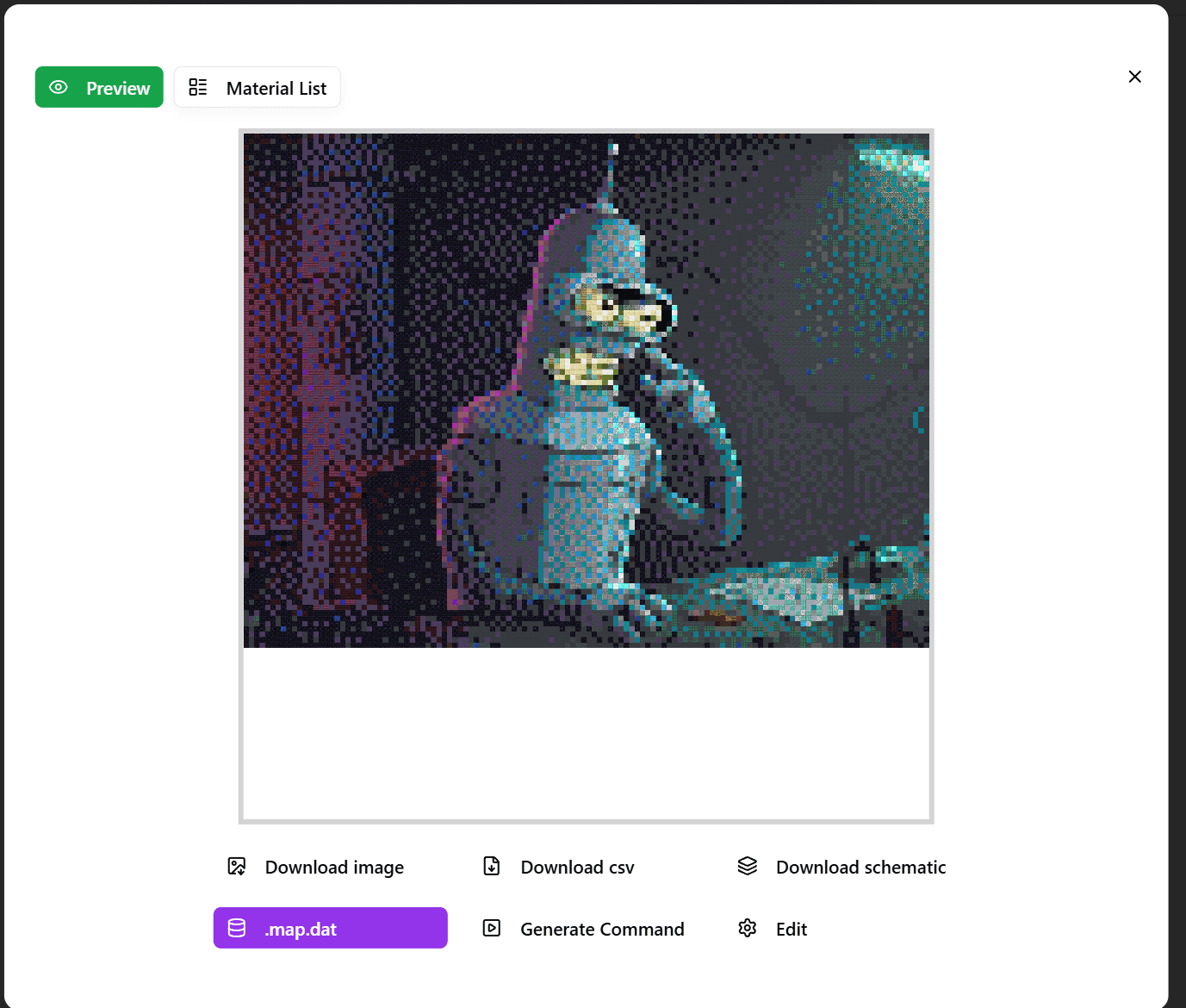
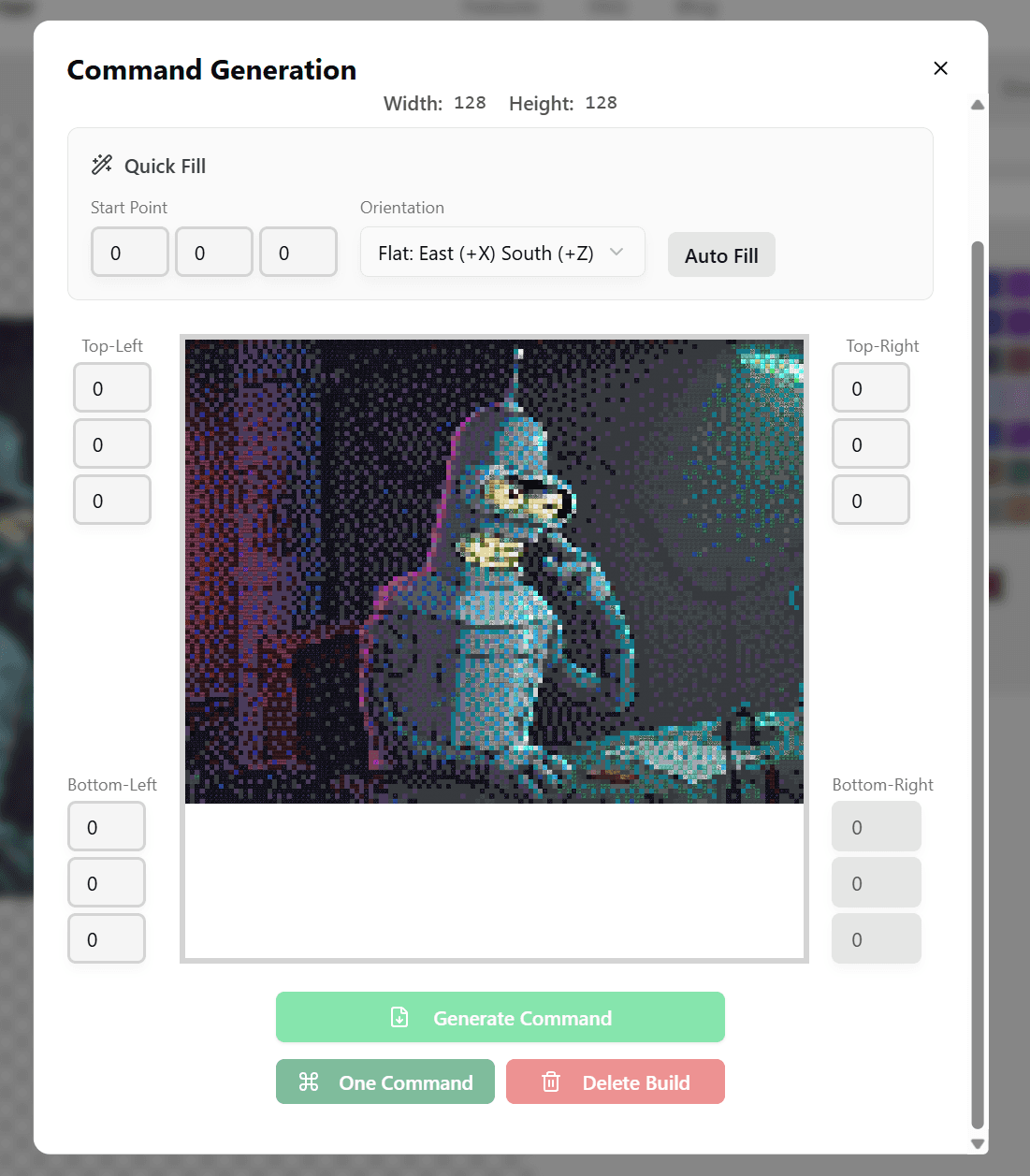
  1. Use our converter to generate commands
  2. Run them with command blocks in-game
  3. No server-side changes needed at all

Method 2: Hand-building

  1. Export a blueprint image
  2. Place blocks manually while looking at the reference
  3. Better for small projects or if you want the survival experience

Plugin Servers (Bukkit/Spigot/Paper)

With WorldEdit installed, life gets easier:

//wand              Gives you the selection axe
//pos1, //pos2      Click two corners to select
//copy              Copy what you selected
//paste             Paste it
//schem load name   Load a schematic file
//schem save name   Save one

Of course, you need the admin to grant you permissions first.

Modded Servers (Fabric/Forge)

WorldEdit mod or Litematica work here:

Litematica is pretty nice:

  • Client-side only - server doesn't need anything
  • Shows a ghost image you can build against
  • Has a material list so you know what to gather
  • Perfect for survival building

Step by Step Process

Step 1: Prep Work

  1. Find an image you want to convert
  2. Upload it to the converter
  3. Turn on staircasing mode for better results
  4. Use 3D preview to make sure you like it

Step 2: Pick Your Export Format

Match it to your server:

Server TypeExport FormatTool Needed
VanillaCommandsNothing
Bukkit.schematic/.schemWorldEdit
Fabric.litematicLitematica
Forge.schematicWorldEdit mod

More format details in the Schematic Guide.

Step 3: Build It

Using command blocks:

  1. /give @p command_block to get one
  2. Paste in the command
  3. Power it with redstone

Heads up: really long commands might need to be split up

Using WorldEdit:

//schem load mapart   Load your file
//paste               Put it down
//undo                Oops button

Using Litematica:

  1. Drop the .litematic file in your schematics folder
  2. Press M in-game to open the menu
  3. Load it and position the ghost
  4. Check the material list
  5. Build by following the projection

Step 4: Make the Actual Map

Staircase builds need you in the right spot:

  1. Stand directly above your build
  2. Use an empty map (right-click)
  3. Check if it looks right
  4. Put it in an item frame to display

Permissions and Protection

Setting Up Permissions

Different server software, different syntax:

Bukkit/Spigot permission nodes:

# Basic stuff
worldedit.wand
worldedit.selection.*
worldedit.clipboard.*
worldedit.schematic.*
 
# Dangerous - don't give these out casually
worldedit.butcher.*
worldedit.drain.*

Bottom line: Full WorldEdit access only for people you trust.

Protecting Your Work

Use a protection plugin:

  • Residence
  • GriefPrevention
  • WorldGuard

WorldGuard example:

/rg define mapart_gallery         Make a region
/rg addmember mapart_gallery yourname    Add yourself
/rg flag mapart_gallery build deny       Block others from building
/rg flag mapart_gallery interact allow   Let people look at the maps

Preventing Abuse on Public Servers

Keep things under control:

  1. Limit selection size in WorldEdit config
  2. Add cooldowns between commands
  3. Log everything with CoreProtect or similar
  4. Review big builds before they go up

Showing Off Your Art

Item Frame Layout

Most common way to display:

# Single map
One item frame

# 2×2 mosaic (4 maps)
[Map1][Map2]
[Map3][Map4]

# Bigger ones follow the same pattern

Pro tip: Invisible item frames look cleaner:

/give @p item_frame{EntityTag:{Invisible:1b}}

If you want to get fancy:

  1. Lighting - Use hidden light sources
  2. Spacing - Don't cram maps together
  3. Labels - Signs with artist name and title
  4. Sections - Group by theme or artist

Interactive Elements

Make it more engaging:

  • Voting system (redstone or plugins)
  • Guest book (wall of signs)
  • Slideshow (redstone to swap between maps)

Common Questions

Q: What if the server doesn't allow commands?

Use Litematica - it's pure client-side, servers can't detect it. Load your schematic as a ghost and place blocks manually.

Q: How to gather materials on survival servers?

  1. Check the Material List feature in our tool
  2. Set it to survival mode to filter available blocks
  3. Farm similar colors in batches
  4. Consider building material farms

Q: Best location to build?

Think about:

  • Close to spawn so people actually see it
  • Flat ground saves terraforming time
  • Away from others to avoid conflicts
  • Room to expand later

Q: Can I sell map art?

On economy servers:

  1. Copy maps at a cartography table
  2. Sell through shop plugins
  3. Credit the original artist
  4. Don't use copyrighted images for profit

Advanced Stuff

Batch Production

Making lots of map art:

  1. Prep all your images
  2. Use batch upload
  3. Export everything at once
  4. Deploy one at a time

Team Projects

For big collaborations:

  1. Divide the work - Split the image into sections
  2. Share materials - Pool resources
  3. Version control - Save schematics as backups
  4. Track progress - Use Discord or in-game signs

Integrating With Builds

Map art doesn't have to stand alone:

  • Cathedral stained glass windows
  • Castle banners and decorations
  • Museum exhibits
  • Personal home decorations

The Short Version

Making map art on servers:

  1. Use a converter to process images
  2. Export in the right format
  3. Follow server rules
  4. Protect what you build
  5. Display it well

Whether you're building a personal collection or a public gallery, map art is one of the most creative things you can do in multiplayer MC.

Start buildingFree Online Tool