
How to Make Minecraft Blueprints for Any Image (2025)
Stop guessing block placement. Learn how to generate precise, layer-by-layer building blueprints for any image or 3D model.
Let's be real: Building complex stuff in Minecraft by eye is a guaranteed way to ruin your day. You mess up one block in the foundation, and 4 hours later, your entire castle roof is off by one pixel. You stare at it. You scream. You delete the world.
Real engineers don't guess. They use blueprints. And you should too, unless you enjoy pain.
What even is a Blueprint?
A blueprint (or schematic) is basically a cheat sheet that tells you:
- Block placement (Put Stone Here).
- Exact Coordinates (X, Y, Z).
- Material List (So you don't run out of Quartz halfway through the ceiling).
Method 1: The "Grid" (For 2D Art)
This is for when you want to build a giant Pikachu on your floor.
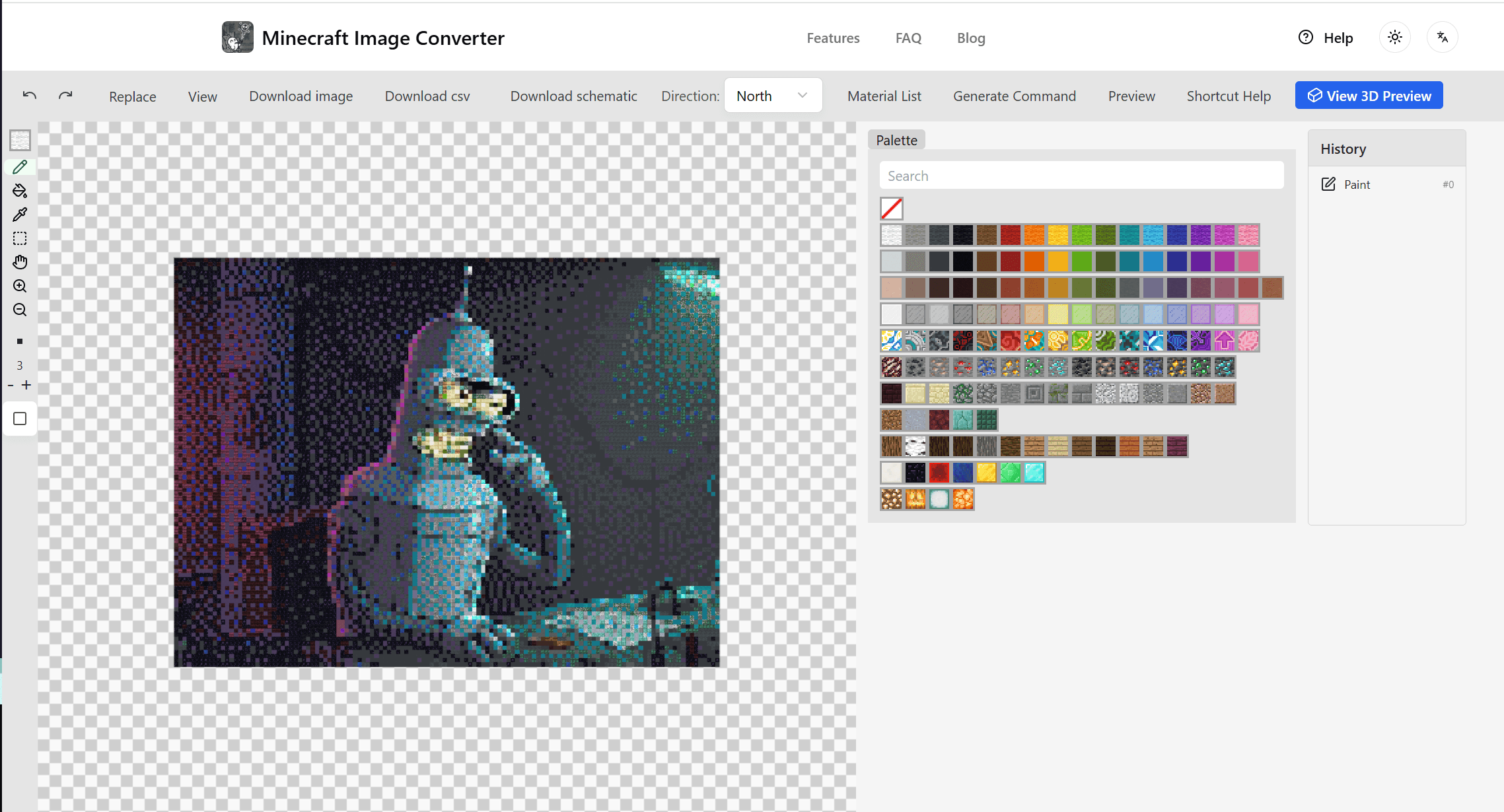
- Open our Generator and upload the pic.
- Click "Access Blueprint" (or just look at the grid).
- It slices the image into 16x16 chunks.
- Pro Tip: Do not—I repeat, DO NOT—try to build it all at once. Mark out a 10x10 dirt box on the ground, fill it, then do the next one. Your brain will thank you.
Method 2: The "Layer" Method (For 3D Statues)
If you are building a statue, you can't just look at a grid. You need cross-sections.
- Our tool creates a Vertical Schematic.
- Imagine slicing a loaf of bread. The tool gives you the map for "Slice 1" (the feet), then "Slice 2" (the ankles), etc.
- You just build one flat layer, jump up, and build the next.
Tools You Need
- Litematica: If you are on Java PC, just use this. It projects the blueprint in-game. It is technically cheating but who cares.
- PDF/Excel: If you are on Console (PS5/Xbox/Switch), you can't use mods. You need to open the blueprint on your phone/tablet and follow the grid manually.
Avoiding Mistakes
1. The "Anchor" Block Always place a standout block (like Pink Wool) at the "0,0" coordinate of your build. Measure everything from that block. If your anchor is wrong, everything is wrong.
2. Counting is Hard Humans are bad at counting past 10. Use "spacer blocks" every 5 or 10 blocks (placing a temporary torch). If you get to the end of a row and you have 11 blocks instead of 10, you know you messed up immediately.
Stop building by feel. Build with math.
Author

Categories
More Posts

5 Minecraft Survival Base Ideas That Are Better Than Your Dirt Hole (2025)
Stop building boxes. Start building compounds. Here are 5 survival base ideas (Underground, Sky, Ocean) designed for efficiency and aesthetics.

How to Build Giant Minecraft Statues (The Easy Way)
Want to build a massive statue in your survival world? Learn how to use layer-by-layer schematics to build huge structures without modding.
Minecraft Map Art Color Guide: Complete Block Palette
Deep dive into block colors for Minecraft map art. Includes complete color codes, block groupings, and selection recommendations.