
How to Add Custom Paintings to Minecraft (No Mods Required)
Want custom posters or family photos in your world? You do not need mods or resource packs. Here is the vanilla way to do it.
You want to add custom paintings minecraft style to your bedroom, but you don't want to install mods. You look up a tutorial. The guy says: "Okay guys, first download this Resource Pack, then open the assets folder, then edit the .json file..."
Stop. Too much work. Also, if you use a resource pack, only you can see the painting. Your friends on the server just see a jagged "Kung Fu Painting."
There is a better way. It works in vanilla. Everyone can see it. It's called Map Art.
The "Map Art" Method
Minecraft maps are 128x128 pixels. If you build a giant flat image on the ground and right-click it with an Empty Map, that image is preserved forever on the item. You can then stick that item in an Item Frame. Boom. Custom painting.
Step 1: Prepare Your Image
- Go to our map art tool (the Image Converter).
- Upload your cat photo.
- Crucial Step: Resize it to exactly 128 width and 128 height.
- If you want a huge poster (2x2 blocks), make it 256x256.
- If you want a long banner, make it 128x256.
- Keep it in multiples of 128 or it won't align with the map grid.
Step 2: Build It (The Fast Way)
You could build it block by block in survival. But if you are an admin or have creative mode:
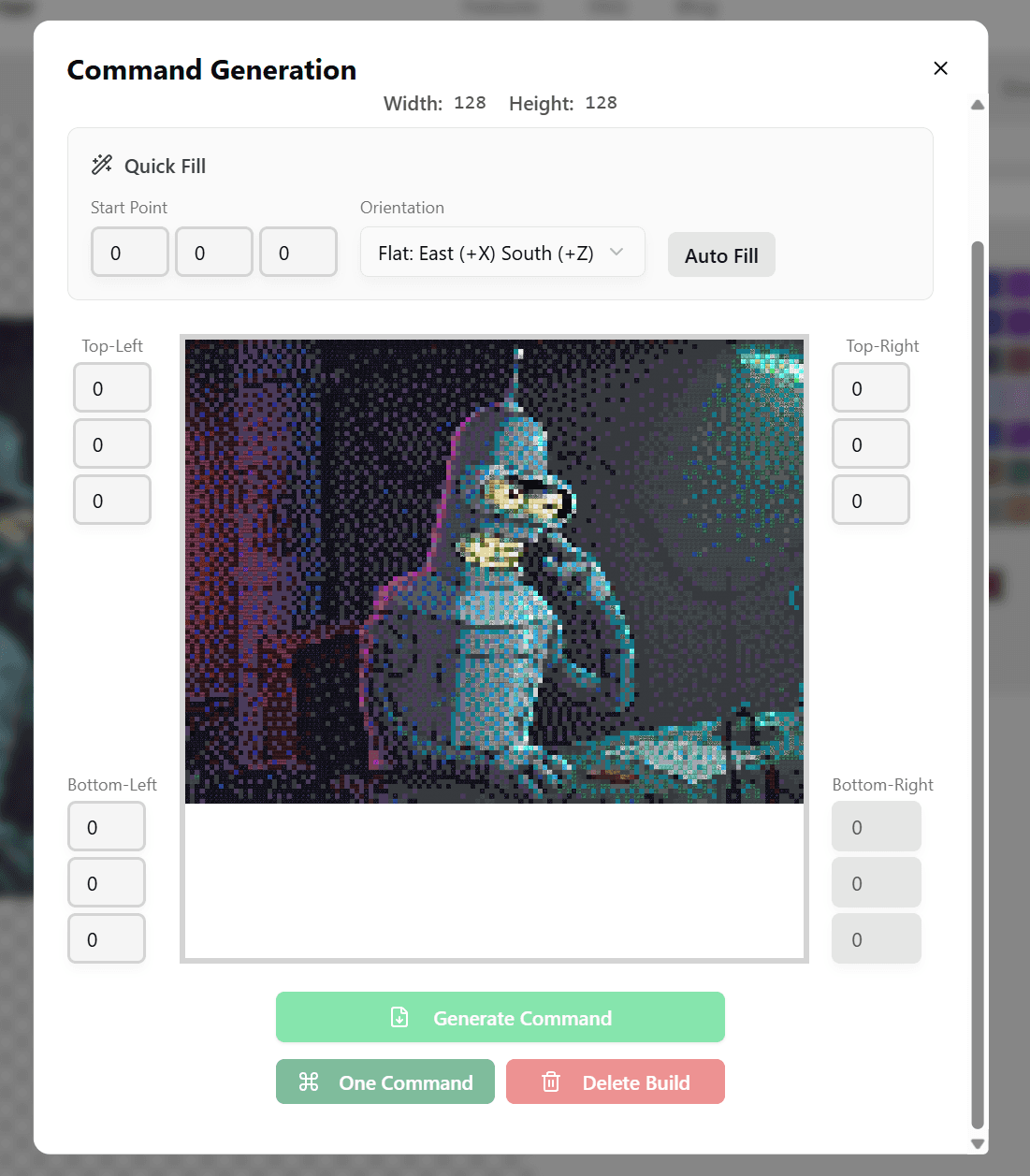
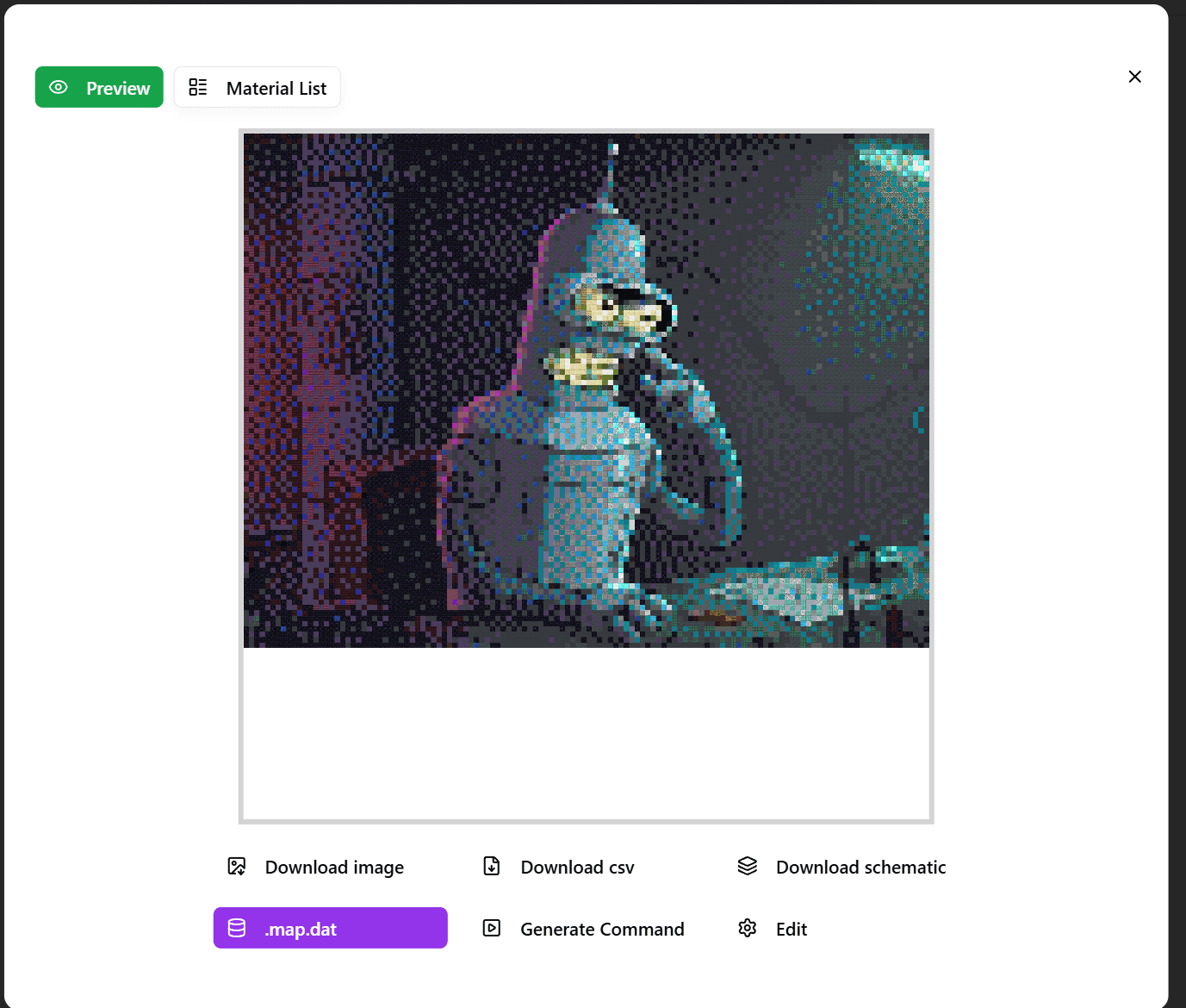
- Download the Structure Block (.nbt) file or the command from our tool.
- Paste it into a flat world (or the middle of the ocean).
Step 3: Locking the Map
- Fly to the center of your pixel art.
- Hold an Empty Map.
- Right-click.
- Important: Combine the map with a Glass Pane in a Cartography Table. This "locks" the map so you can never accidentally update it if you break the build later.
Step 4: The Invisible Frame Trick
Item Frames are ugly. The wood border ruins the vibe.
If you are in Creative/Admin mode, give yourself an invisible frame:
/give @s item_frame{EntityTag:{Invisible:1b}}
Place your map in that. Now it looks EXACTLY like a painting hung on the wall. No border. Just art.
Summary
- No mods needed.
- Everyone on the server can see it.
- You can make as many as you want.
Go turn your base into the Louvre.
Author

Categories
More Posts

5 Aesthetic Minecraft Block Palettes You Need to Try (2025)
Stop building with Oak and Cobblestone. Here are 5 trending block palettes for modern, rustic, and fantasy builds.
Complete Guide to Making Map Art on Minecraft Servers
Full guide to creating and displaying map art on multiplayer servers, including permissions, protection measures, and display techniques.
Minecraft Schematic Complete Guide: Create, Import & Use
Everything about Minecraft .schematic files. Learn how to create, import, and use schematic files with WorldEdit, Litematica, and other tools.